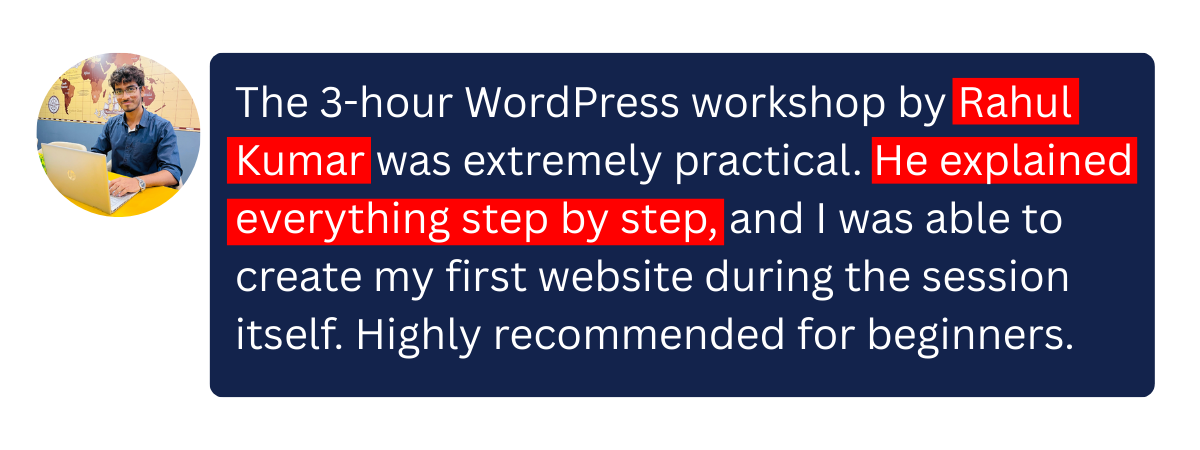
The 3-hour WordPress workshop by Rahul Kumar was extremely practical. He explained everything step by step, and I was able to create my first website during the session itself. Highly recommended for beginners.
Rahul Kumar is a great trainer. The workshop was simple, clear, and very engaging. I especially liked how he explained themes, plugins, and page design without any coding. Totally worth it.

I joined this workshop to create a website for my business, and it exceeded my expectations. Rahul covered all basics and gave real-life tips. In just 3 hours, I understood how WordPress actually works.
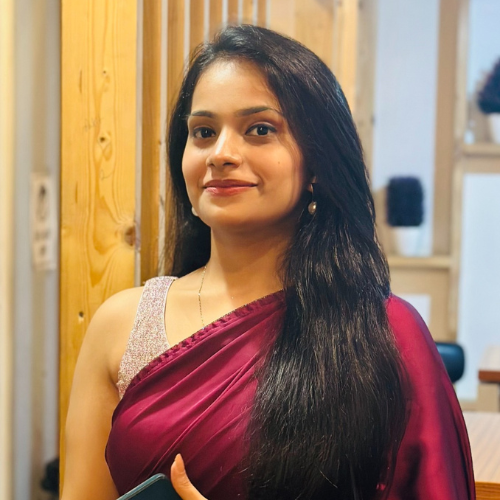
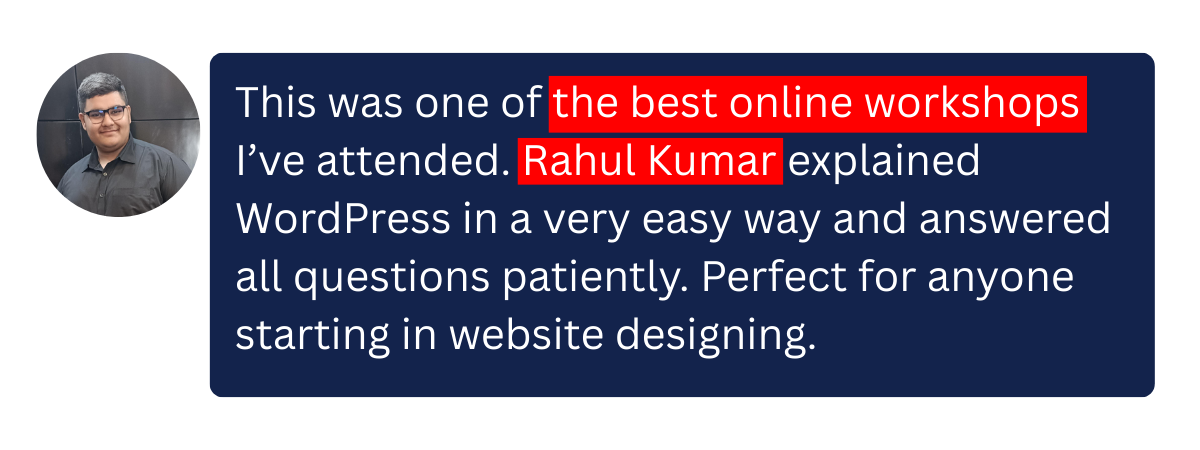
This was one of the best online workshops I’ve attended. Rahul Kumar explained WordPress in a very easy way and answered all questions patiently. Perfect for anyone starting in website designing.

I had zero knowledge of WordPress before joining. Rahul Kumar made everything so simple that I now feel confident to build websites on my own. The live training and support were excellent.
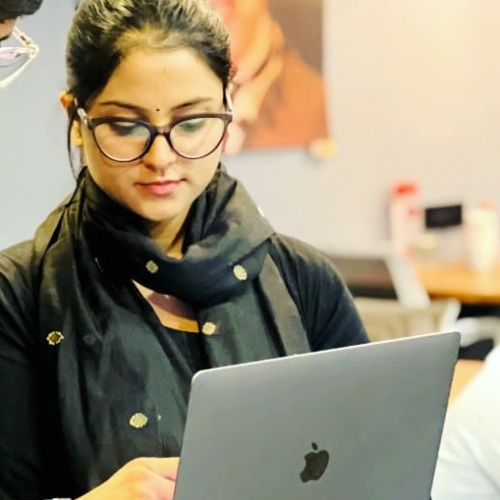
The 3-hour WordPress workshop by Rahul Kumar was extremely practical. He explained everything step by step, and I was able to create my first website during the session itself. Highly recommended for beginners.
Rahul Kumar is a great trainer. The workshop was simple, clear, and very engaging. I especially liked how he explained themes, plugins, and page design without any coding. Totally worth it.
I joined this workshop to create a website for my business, and it exceeded my expectations. Rahul covered all basics and gave real-life tips. In just 3 hours, I understood how WordPress actually works.
This was one of the best online workshops I’ve attended. Rahul Kumar explained WordPress in a very easy way and answered all questions patiently. Perfect for anyone starting in website designing.
I had zero knowledge of WordPress before joining. Rahul Kumar made everything so simple that I now feel confident to build websites on my own. The live training and support were excellent.

WordPress Basics
• What WordPress is and how it works.
• Difference between WordPress.com vs WordPress.org.
• Domain, hosting, and how to install WordPress.

Using Page Builder
• Working with popular builders like Elementor.
• Drag-and-drop page design.
• Creating homepages, landing pages, and inner pages.

Basic E-commerce (often included)
• Introduction to WooCommerce.
• Adding products, prices, and payment methods.

Publishing & Real-World Practice
• Making a website live.
• Hands-on project (building a complete website).
• Tips for freelancing or client work

Website Design Fundamentals
• Understanding website structure (pages, posts, menus).
• Choosing and installing themes.
• Customizing layouts, colors, fonts, and logos.
• Responsive design (mobile & tablet friendly sites)
Content Management
• Creating and editing pages & blog posts.
• Adding images, videos, and galleries.
• Managing menus and widgets.
Plugins & Functionality
• Installing and managing plugins
Plugins for:
• SEO
• Security
• Contact forms
• Speed optimization
• Adding features without coding